How to Record Smart Meter Issues on the ERPA Website
Follow these steps to register on Emfuleni Ratepayers’ Association (ERPA) if you need help with your SmartMeter problems.
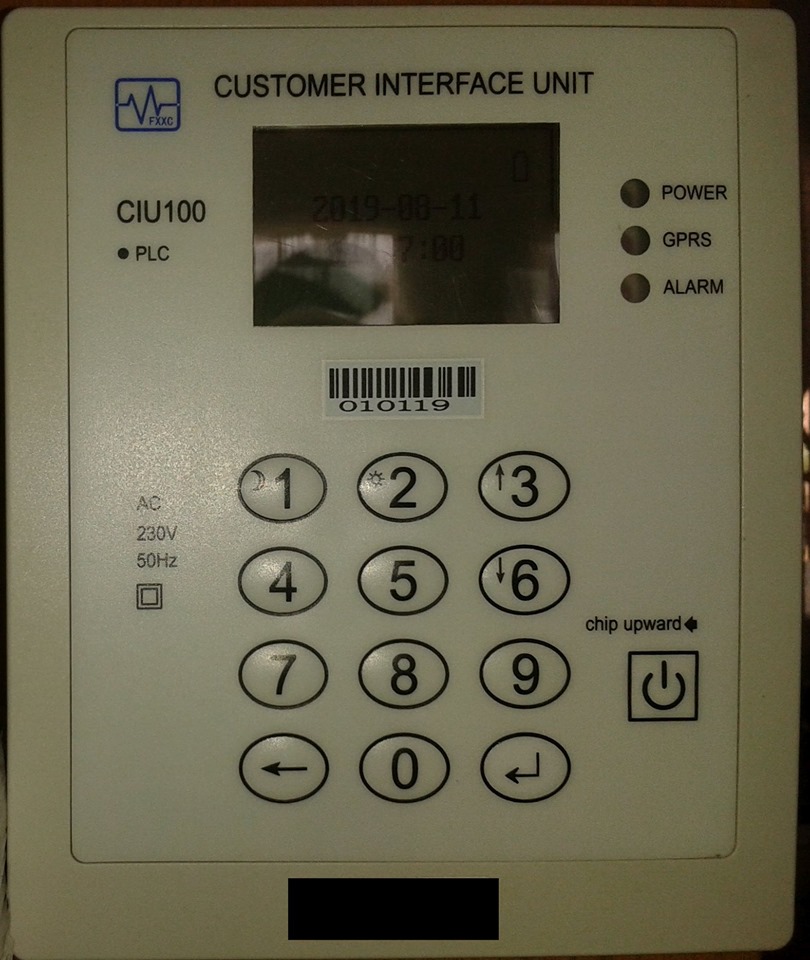
The Emfuleni Ratepayers’ Association (ERPA) advises residents of Emfuleni Local Municipality to register on the ERPA website (if the haven’t done so yet) so that you can log your Smart Meter problems, as ERPA only attends to issues logged on the website.
Here is the process:
1. Register as a Subscriber
a. Click this link: https://erpa.co.za/registration/
b. Here is a short video tutorial: https://vimeo.com/352677187
2. Log in and go directly to your personal profile page, as you will need to augment your profile with ELM-related information
a. Click the My Profile menu item
i. On PC/Laptop, this menu item is visible at the top menu, at the top right of the page
ii. On Smartphone, click the 3 x hamburger lines at the top right of the page, and scroll down and select My Profile.b. Then, click your personal Home tab (this is not the same as the Home page of the main website; this is your personal Home page)c. Then, click the blue Update Profile button
d. Here is a short video tutorial: https://vimeo.com/352735443
3. Log your Smart Meter issue
a. Click this link: https://erpa.co.za/support/smart-meter/
b. Here is a short video tutorial: https://vimeo.com/352735385
4. You will receive an email confirmation as well as a .pdf attachment of your logged issue. Please call the number in the email message to record your SM incident, and provide them with the unique reference number.
Also, I strongly recommend that you join the ERPA Community group, as this is where the latest updates happen: https://t.me/ErpaCommunity01
Once you are done, you may show your support by signing the petition to hold senior ELM manager personally responsible for the gross mismanagement of the Smart Meter contract: https://erpa.co.za/action/petition-2/.
“Finally, if you would like to make a donation to this worthy cause, our bank details are here: https://erpa.co.za/donations/.
“If you have any further issues, please let us know on admin@erpa.co.za,” invites ERPA.
Information provided by Kobus Janse van Rensburg, (Chairperson, ERPA) and Gerhard Janse van Rensburg (Information & Communications Technology – ERPA).